

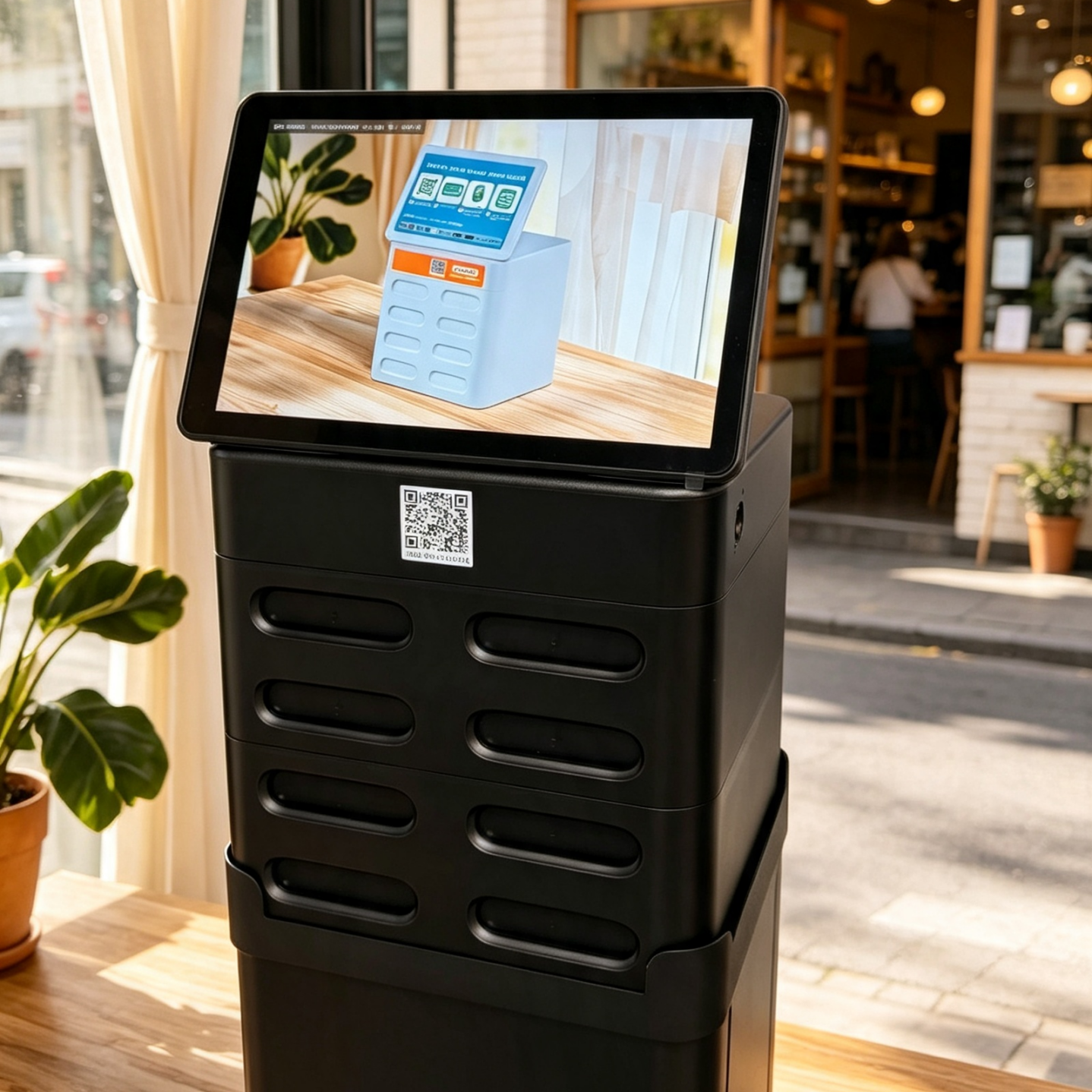
Your power bank rental software is the half of the product customers never see but operators feel every day. Cabinets are the hardware; the backend is what sets prices, counts money, pushes ads, and keeps units alive. Pick the wrong platform and you are locked in a black box you cannot steer. This guide lists eight features a serious power bank rental software should deliver before you deploy.
Table of Contents
– Why Your Backend Is Half the Business
– 1. Dynamic Pricing Control
– 2. Remote Station Management
– 3. Real-Time Revenue Dashboard
– 4. Advertising and Promo Slots
– 5. Multi-Language for Tourist Spots
– 6. User App and Account System
– 7. Data Export and API Access
– 8. Over-the-Air Firmware Updates
– Final Checklist Before You Commit
Why Your Backend Is Half the Business
A station with no software is just a locked box. The power bank rental software turns it into a business: it authorizes rentals, charges cards, logs every transaction, and tells you which bays are empty at 2 a.m. When the system is weak, you fly blind on the one metric that pays salaries—revenue.
1. Dynamic Pricing Control
Markets differ by hour, city, and venue. Good software lets you set per-minute, per-hour, or day-pass rates, and shift them by time of day or location. A strong power bank rental software also supports promo codes and first-rent-free trials to pull in new users without a developer.
2. Remote Station Management
You should reboot, lock, or reconfigure any cabinet from a dashboard, not a ladder. Look for remote bay unlock, status alerts, and fault logs. When your power bank rental software flags a jammed slot before a customer complains, downtime stays near zero.
3. Real-Time Revenue Dashboard
Operators live on numbers. The platform should show live rentals, revenue by station, payback progress, and utilization per bay. A clean dashboard in your power bank rental software turns raw events into decisions—which sites to expand, which to pull.
4. Advertising and Promo Slots
Screens are unsold billboards until you use them. The software should schedule ads by time, location, or campaign, and let you sell slots to neighboring businesses. Built-in ad control in the power bank rental software turns each cabinet into a small media asset that earns on top of rentals.
5. Multi-Language for Tourist Spots
Transit hubs and entertainment districts mix languages. The renter UI and app must switch languages and currencies automatically. Power bank rental software with localization handles tourists who tap first and read later, widening your addressable users without extra hardware.
6. User App and Account System
Rentals flow through a phone. The app should support scan-to-rent, deposit handling, and find-a-station maps. Behind it, the power bank rental software manages accounts, refunds, and history so support stays light and disputes resolve in minutes.
7. Data Export and API Access
Your data should leave the system when you want. Export revenue, sessions, and location reports to CSV, and open an API for your own BI or ERP. A platform that locks data inside is a liability; open access in the power bank rental software protects your long-term flexibility.
8. Over-the-Air Firmware Updates
Hardware improves after sale through firmware. The backend should push updates to stations and power banks remotely, patching bugs and adding features without a truck roll. Continuous OTA in your power bank rental software is what keeps a three-year-old fleet feeling current.
power bank rental software
Before signing, confirm the vendor owns the software (not a resold third party), shows the dashboard live, documents the API, and commits to OTA support. Ask for a sandbox login, not a screenshot. The right power bank rental software vendor lets you click around the real system before you pay.
Ready to see a working backend? Contact us for a live demo of our control system, or explore how our power bank rental software ships inside every VSCHARGE cabinet via VSCHARGE Welink.